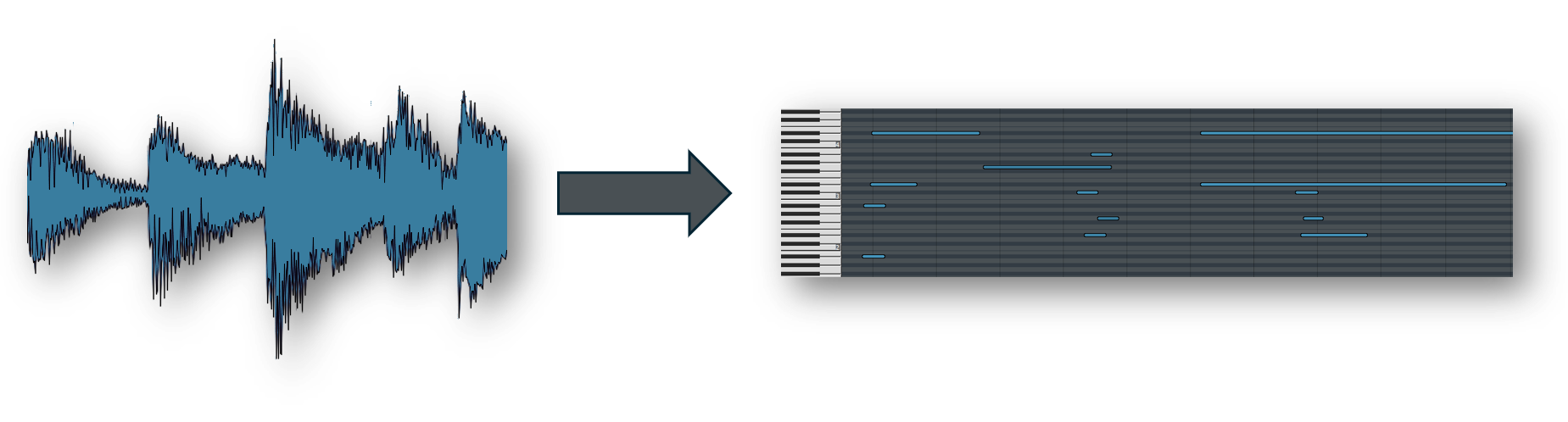
MIDI stores notes, timings, and velocities rather than recorded sound. Converting audio to MIDI lets you correct notes, learn melodies and chords, change the tempo, and choose new instrument sounds. Edit the downloaded file in a DAW such as Ableton Live, Logic Pro, or FL Studio, or open it in a notation program. Easily click and drag to edit notes in a MIDI piano roll.
Upload your recording, set the BPM to match your project, and start the conversion. Our AI model detects note pitches, timings, and velocities across the recording and combines them into an editable MIDI file. Compare the result with the original audio in the piano roll, then download your MIDI file.
Yes. Upload a solo instrumental performance or a full mix. The model currently targets pitched instruments only; it does not transcribe unpitched drums or create a percussion track. Vocals are not currently supported, but we plan to release vocal transcription later. Dense arrangements, effects, and overlapping notes can make transcription harder, so some notes may need editing.
The current version combines detected notes into one transcription without assigning separate tracks or instrument sounds. We are working on a version that separates instruments into individual MIDI tracks, so you can assign different instrument sounds to each part of a full mix. For now, if you want individual parts or less interference from other instruments, split the audio into stems first, then convert each stem separately.
Try our Stem Splitter to extract a part before converting.
Yes. Upload your MP3 file directly; there is no need to convert it to WAV first. You can also upload WAV, FLAC, M4A, OGG, and other common audio formats. Download a standard MIDI file (.mid) to edit in a DAW, MIDI editor, or notation program.
BPM means beats per minute. Leave the default of 120 BPM, or enter your project tempo in the upload area before converting. This sets the MIDI tempo while preserving note timings in seconds, so the MIDI can line up with your original audio. For projects with tempo changes, turn off time stretching or use a sample-based MIDI track to preserve the original timing.
For a piano or guitar part, try our dedicated converters, which use models specialized for those instruments. This general converter is designed for other pitched instruments and recordings with multiple instruments.
Upload files up to 100 MB. Free users can convert the first 30 seconds of each file at no cost. Upgrade to a Flex or Pro plan to convert up to 30 minutes per file. If your WAV file is too large, convert it to MP3 first for a smaller upload.