MIDI (Musical Instrument Digital Interface) is a standard file format for representing musical performances
in terms of notes, timings, and velocities. Unlike digital audio, which only stores information describing waveforms, MIDI gives you complete control to
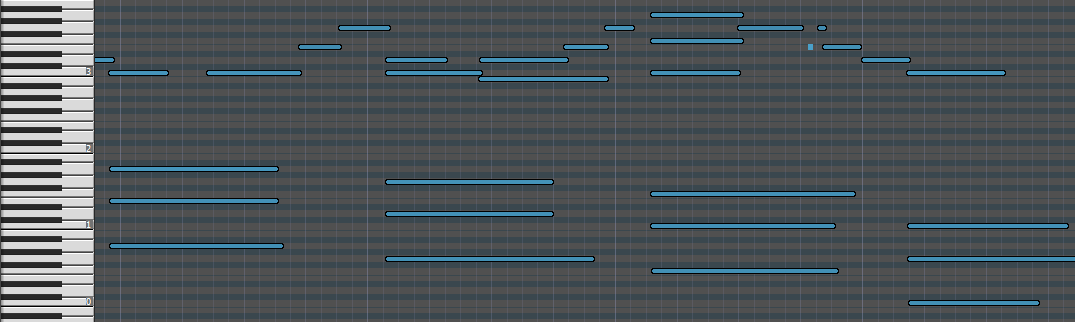
edit the pitches and timings of every note. A MIDI piano roll view for simple editing.
MIDI gives you so many options. Have you ever played one blatantly wrong note on a piano
recording? With MIDI, just slide the note to the correct pitch. Did you play it too slowly?
With MIDI, change the tempo with one click. Can't afford that 9-foot Steinway you've always
dreamed of? No problem. Play your MIDI file through inexpensive virtual instrument software to sound like you recorded on a $300,000 instrument. Easily click and drag to edit notes in a MIDI piano roll.
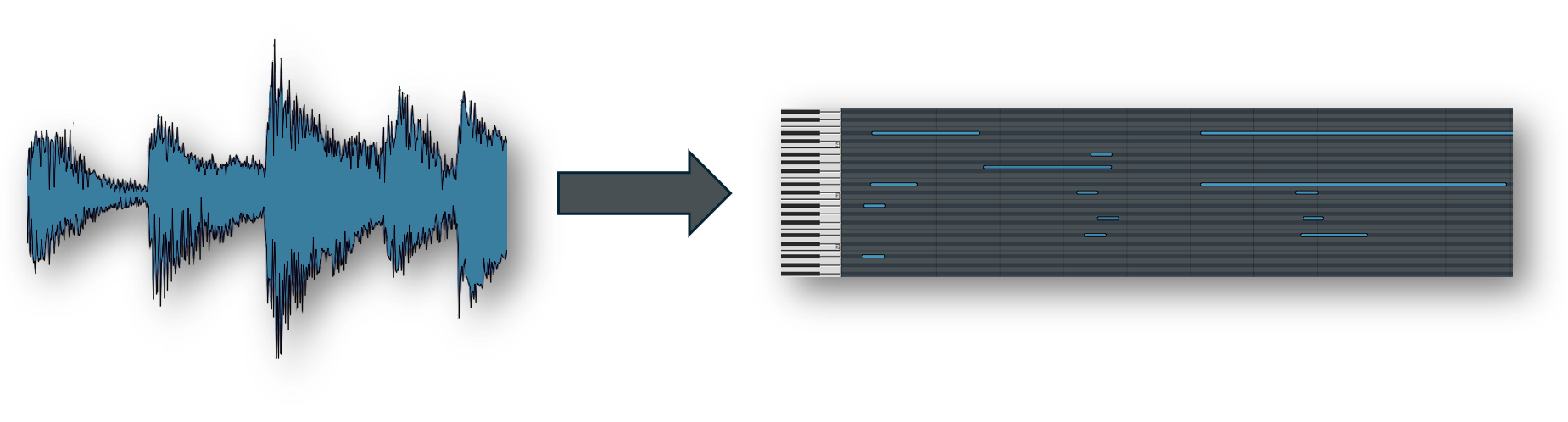
As you can imagine, converting raw audio (such as wav or mp3 files) into editable MIDI files
is nontrivial. We build upon decades of AI and machine learning research to provide a tool
that gives near-perfect transcriptions of piano recordings. We couple GPU-accelerated neural
networks with advanced signal processing techniques to detect notes, velocities, and timings
from your piano recordings. Then we package this information into a MIDI file that you can
save and edit on your own computer.
For piano, yes. Most generic converters are trained on all instruments and compromise on every one.
Ours was trained exclusively on a large custom dataset of piano recordings we created, so it handles
velocity, sustain, pedaling, and fast passages with accuracy that generic tools can't match.
Try it free and compare the output with any other converter you've used.
BPM stands for "beats per minute" and is a measure of tempo. In most cases, you can stick with the default of 120 BPM, since DAWs default to 120 BPM unless otherwise specified (see page 143
of the MIDI 1.0 specification). If your project uses a different BPM, make sure to specify it inside the dropzone above before uploading your audio file. This will ensure that your MIDI file lines up with the audio in your project. If your project switches between multiple BPM values, make sure to turn off time stretching and/or use a
sample-based MIDI track (not tick-based) to ensure the MIDI timing matches your original
audio.
Please reach out to contact@eldoraudio.com and we'll do our best to help you resolve any issues.
The model is optimized specifically for solo piano, which is why it handles pedaling, velocity,
and dense chords more accurately than a general-purpose tool. It also does a solid job picking
a piano part out of a mixed recording, and performs surprisingly well on other instruments like
acoustic guitar, harp, and violin. If you know your recording is guitar, you'll get better
results from our Guitar Audio to MIDI Converter.
If you need dedicated multi-instrument transcription, see our Audio to MIDI Converter.
You can upload an audio file up to 100 MB in size. If your file is too large (often the case with wav files), you can use an online converter
such as cloudconvert to first convert to mp3 for a much smaller file size. Free users receive the first 30 seconds converted at no cost. Upgrade to a Flex or Pro plan to convert
up to 30 minutes per file.